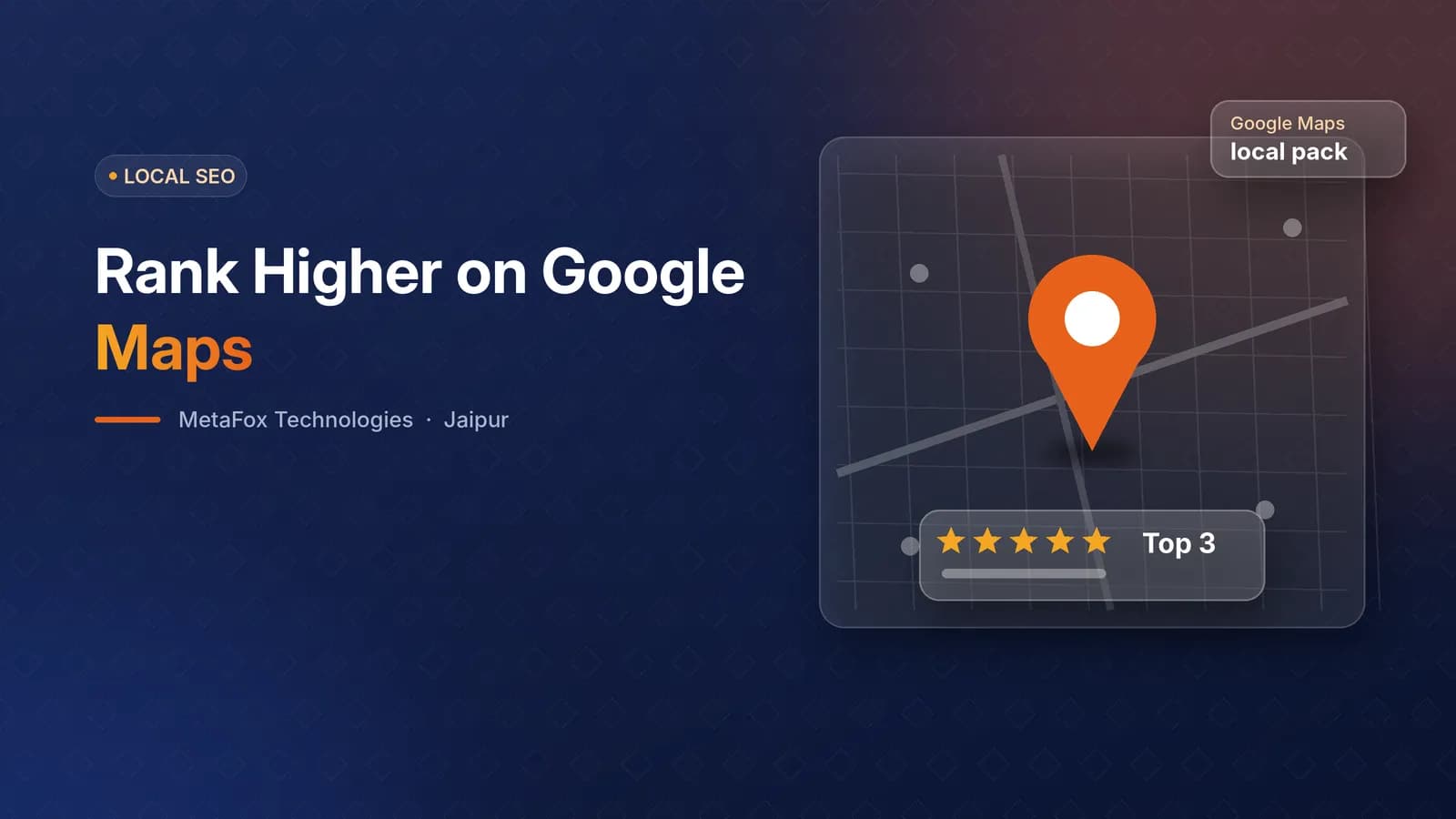
When someone searches "dentist near me", "CA in Mansarovar" or "web developer in Jaipur", Google usually shows a map with three businesses before any normal results. That "local pack" gets a large share of the clicks and calls - and the businesses in it are chosen largely based on their Google Business Profile (formerly Google My Business).
The good news: most profiles are half-complete, so a properly optimised one has a real advantage. Here is how to do it.
How Google decides who appears on the map
Google says local rankings depend on three things:
- Relevance - how well your profile matches what the person searched.
- Distance - how far your business is from the searcher or the location in the search.
- Prominence - how well known and trusted your business is, based on reviews, links, mentions across the web and your website.
You cannot change distance, but you can improve relevance and prominence a lot.
Step 1: Get the basics exactly right
- Business name - your real business name, exactly as on your signboard and documents. Do not add keywords like "Best Web Design Company Jaipur" to the name; it breaks Google's guidelines and can get your profile suspended.
- Primary category - the single most important relevance signal. Choose the most specific category that describes your core business (for example, "Website designer" rather than a generic "Company").
- Secondary categories - add the other services you genuinely offer.
- Address and service area - accurate, with the map pin in the right place.
- Phone number - a local number that matches your website exactly.
- Website link - to your homepage or the most relevant location page.
- Hours - accurate, including holidays. Listing "open 24 hours" when you are not is misleading and frustrates customers.
Step 2: Keep NAP consistent everywhere
NAP means Name, Address, Phone. Google cross-checks your business details across the web - your website, JustDial, IndiaMART, Sulekha, Facebook and other directories. Inconsistent details (an old phone number, a different spelling, a missing plot number) weaken trust. Pick one exact format and use it everywhere, starting with your website footer and contact page.
Step 3: Write a helpful description and list your services
Use the 750-character description to explain what you do, who you help and where - naturally, in plain language. Then add every service as a separate item with a short description and, where relevant, a starting price. Services help Google match you to more specific searches.
Step 4: Add real photos - and keep adding them
Profiles with real photos tend to get more engagement. Upload your logo, cover image, office or shop exterior (helps customers find you), interior, team at work and examples of your work. Add a few new photos regularly rather than fifty once.
Step 5: Post weekly
Google Posts appear on your profile and show that the business is active. A simple weekly rhythm:
- Monday - something new: a service, a project, an update
- Wednesday - an offer or a reason to contact you this week
- Friday - a result or a customer story
Keep posts short, with a clear photo and a button such as "Call now" or "Learn more".
Step 6: Build a steady flow of genuine reviews
Reviews influence both rankings and whether people choose you. Ask every happy customer, at the moment they are happiest - usually right after delivery. Send your direct review link on WhatsApp with a short, polite message, and follow up once a few days later.
Reply to every review - thank positive reviewers by name and mention what they liked; respond to negative reviews calmly, take the conversation offline and fix the problem.
Never buy reviews, write reviews for yourself, or offer discounts in exchange for 5-star ratings. Google removes fake reviews and can suspend profiles that use them.
Step 7: Use Q&A and messaging
Add the questions customers ask most - pricing, timelines, location, parking - with clear answers. If you enable messaging, reply quickly; slow replies hurt the customer experience.
Step 8: Connect your website
Your Google profile and website reinforce each other. Make sure your website shows the same NAP, embeds a Google Map, includes LocalBusiness schema with your address and hours, and has pages for the services and areas you want to rank for. A fast, mobile-friendly website improves prominence too.
Common mistakes to avoid
- Keyword-stuffing the business name
- Wrong or "24 hours" opening times
- Duplicate profiles for the same location
- Using a virtual office address you do not actually work from
- Ignoring reviews or replying aggressively
- Letting the profile go months without updates
How long does it take?
Basic fixes can improve visibility within weeks; competitive categories in a big city like Jaipur usually take a few months of consistent posting, reviews and website work.
If you would rather have experts handle it, our SEO services include Google Business Profile management, weekly posts, a review system and monthly reporting - from ₹12,000 a month. Or book a free consultation and we will audit your profile with you.